


DayZ
Internal software with survival-oriented visual information and tracking options.
See plans and status→Internal software with survival-oriented visual information and tracking options.
See plans and status→

External software featuring humanized input assistance, advanced visual information and configurable awareness tools.
See plans and status→

Premium external software with configurable input assistance, visual information and a streamlined interface.
See plans and status→

External software with player, item and event information presented through a configurable overlay.
See plans and status→

External software with configurable input assistance and player information.
See plans and status→

External software with configurable input assistance and a clean information overlay.
See plans and status→
External software presenting players, bots and item information in a configurable interface.
See plans and status→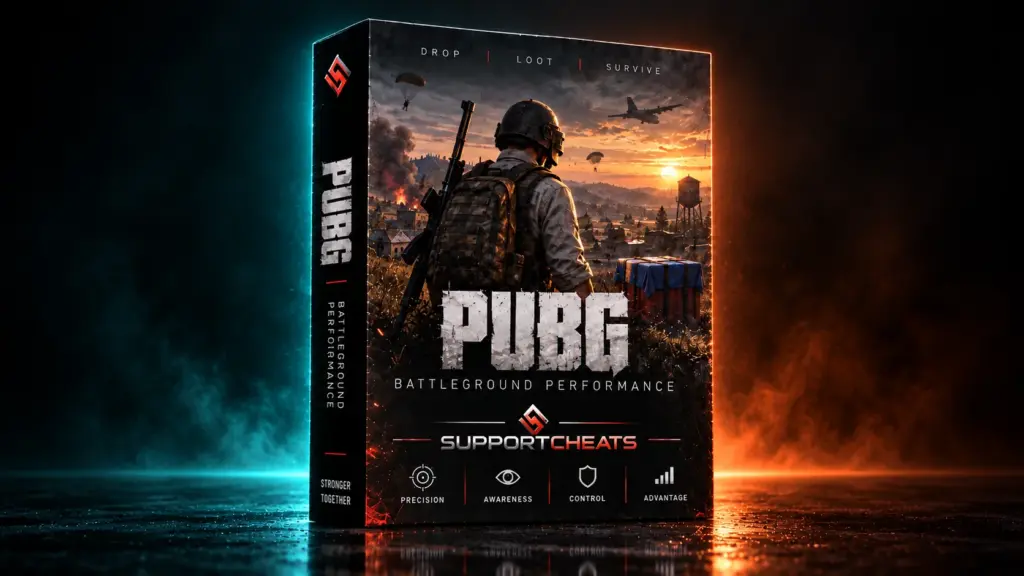

External software with player, item and event information presented through a configurable overlay.
See plans and status→

Private internal software with a focused interface, configurable visual information and input-assistance settings.
See plans and status→

Private internal software with configurable input assistance and visual information.
See plans and status→

One license includes both Hell Let Loose Classic and Hell Let Loose Vietnam.
See plans and status→

Internal software with configurable input assistance, visual information, radar and hero presets.
See plans and status→
Temporary hardware descriptor normalization for the supported title.
See plans and status→

Temporary hardware descriptor normalization with a guided reset workflow.
See plans and status→

Supports Warzone and all current versions. Platforms: Steam, Battle.net and Xbox. TPM normalization and Microsoft Azure Attestation compatibility…
See plans and status→
Temporary hardware descriptor normalization with no operating-system reinstall required.
See plans and status→
Temporary hardware descriptor normalization for supported systems.
See plans and status→
BattlEye hardware identity masking and trace cleanup for supported PUBG: Battlegrounds releases, with one-click setup and live status synchronization.
TECHNICAL OVERVIEW
Review the supported operating system, processor platform, supported launcher and delivery method.
PUBG: BATTLEGROUNDS HWID PROFILE
Activate the supported profile with one click before launch. It covers the hardware identity surfaces listed for the current PUBG: Battlegrounds release.
The integrated workflow combines supported trace cleanup, session preparation and profile activation without requiring a Windows reinstall.
Review the live product status, supported launchers and system requirements before starting a new session.
BUILT FOR A CLEAN SESSION
Run the supported masking and cleanup sequence from a single interface.
No permanent firmware editing is required; launch once before the next reboot.
Integrated cleanup handles supported cached files, tokens and registry artifacts.
Designed to finish preparation before gameplay without a persistent heavy workflow.
COMPLETE CAPABILITY LIST
Hover or focus an item to read what each capability covers.
Fingerprint controls for supported hardware surfaces.
Integrated cleanup and session-preparation tools.
Supported platforms, systems and hardware.
Use the free trial to verify the supported workflow on your system before choosing an access plan.
HOW IT WORKS
Open the delivery instructions in your account.
Clear supported traces and cached session data.
Generate and apply the supported hardware profile.
Launch the supported game after the preparation completes.
PUBG: BATTLEGROUNDS HWID SPOOFER
The PUBG HWID spoofer profile is designed for the supported Steam PC release and its BattlEye preparation workflow. Hardware-profile controls, cleanup options, access periods and live availability are presented together on this page.
Review the currently listed controls for disks, volumes, adapters, system firmware, graphics and monitors. The cleanup section identifies supported cached traces, registry artifacts, telemetry data and session tokens.
PUBG: Battlegrounds on Steam with a supported 64-bit Windows 10 or Windows 11 configuration.
Complete the BattlEye preparation and session-profile sequence, then restart PUBG. Repeat after a Windows reboot when beginning a new session.
Use the free 40-minute PUBG profile to verify the current launcher and compatibility before purchasing an access period.
VERIFIED CUSTOMER REVIEWS
Product exceeded my expectations.
pubg finally playable on my main again. followed the readme step by step and it loaded clean
no bluescreens, no reboots required beyond the one in the guide. clean experience
straightforward install, clear instructions, works. not much more to say
intel 13600k, win11, ran it, played a chicken dinner session same evening. no issues
I like that updates are pushed out quickly after game patches. been through two of them already
been using this on an alt for 3 weeks now, zero issues. battleye hasnt flagged anything
ive tested this on two different motherboards (asus b550 and msi x670e), both no issues
the discord community is actually helpful, had a question at 1am and someone answered in 10 min
my second attempt with a hwid tool for pubg, the first one got burned in a couple days. this one has staying power
the readme includes a troubleshooting section that saved me when my first attempt failed
running smooth on my gaming laptop too, which I didnt expect. flexible licensing is nice
the guide walks you through everything. support helped me when my first run had a conflict with my nahimic drivers
Easy to recommend. Good product, responsive support and regular updates. What more could you want?
finally no more getting kicked out of lobbies. the hwid cycle is smooth
clean boot every time. ive done the full process twice (once on my main, once on an alt) and both worked
fast response from the dev team, honestly impressed. product works too obviously but the support is what sold me
I was skeptical because i saw mixed reviews on competitor sites but this one actually delivers
pubg has gotten strict and this still works. ive been playing almost nightly, no drama
I had an issue with a leftover amd ryzen master install, support helped me rip it out. all good now
friend recommended this after his own account was spoofed clean. been running on mine for 2 weeks, same deal
my clan uses this and we all got back in after our wave. no detections after a solid month
pubg is pubg again. 20+ games in since the install, no issues
support dmed me on telegram within 20 min when I had a licensing question. real human
runs on a ryzen 5600 setup no problem. the installer is a bit noisy but trust the process, its documented
no false positives from windows defender either, which has been a problem for other tools ive tried
best money ive spent in a while. was ready to give up on pubg after the last ban wave
Got it set up in minutes. Works exactly as described and the support team is responsive and knowledgeable.
FREQUENTLY ASKED QUESTIONS
Yes, Steam is the listed PC platform. Check the synchronized product status before running the setup.
The listed PC platform is Steam. Confirm your launcher and the current product status before starting.
Supported 64-bit editions of Windows 10 and Windows 11.
No permanent BIOS flashing or firmware editing is required. Run the supported session workflow once before the next reboot.
Delivery details and the current setup guide are provided through your customer account after checkout.
Yes. A 40-minute free trial is available to verify compatibility and the supported workflow on your PC before selecting paid access.
